
Features
One football workflow, not nine separate tools.
Tuchlyn follows the actual week inside a club: plan, prepare, run matchday, then turn the record into development and oversight.
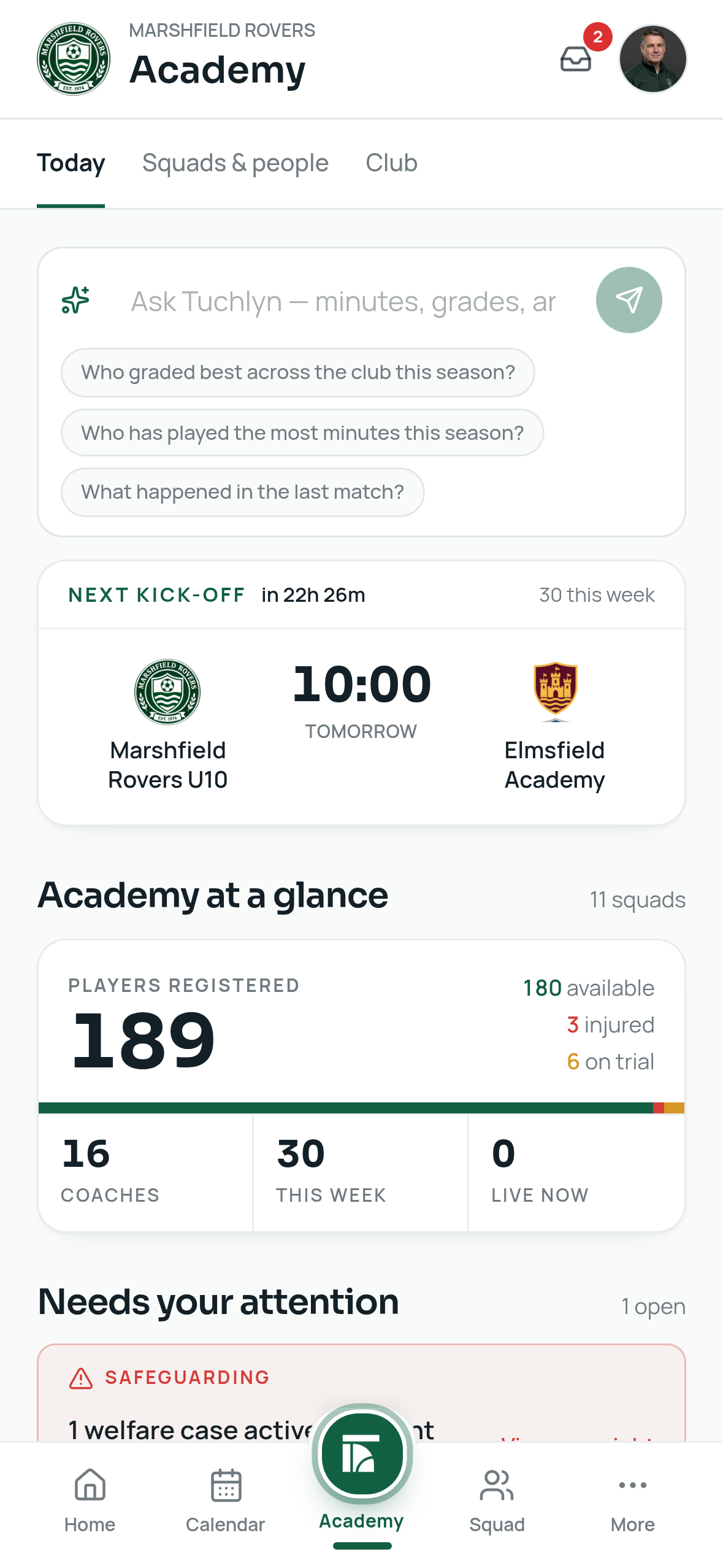
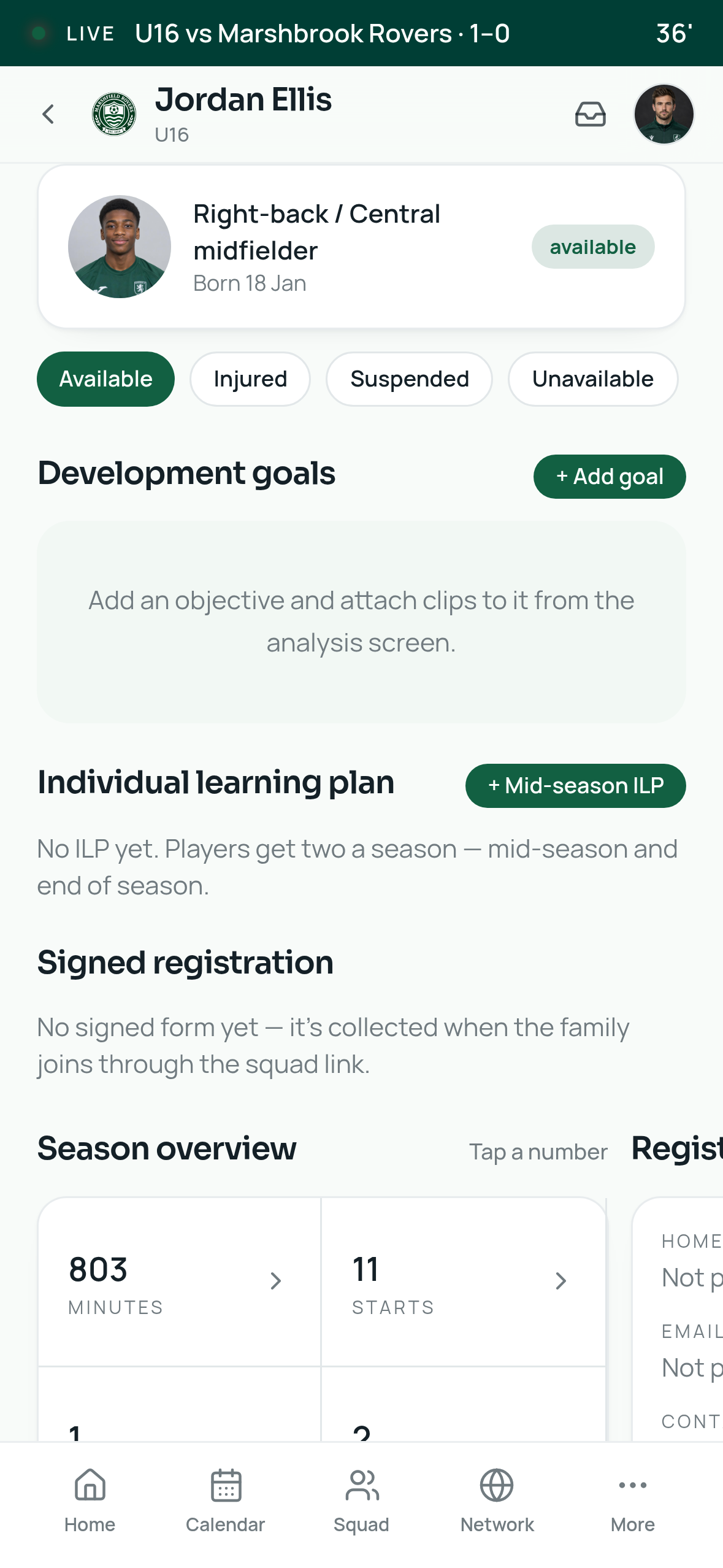
Plan and communicate
Set the week up clearly.
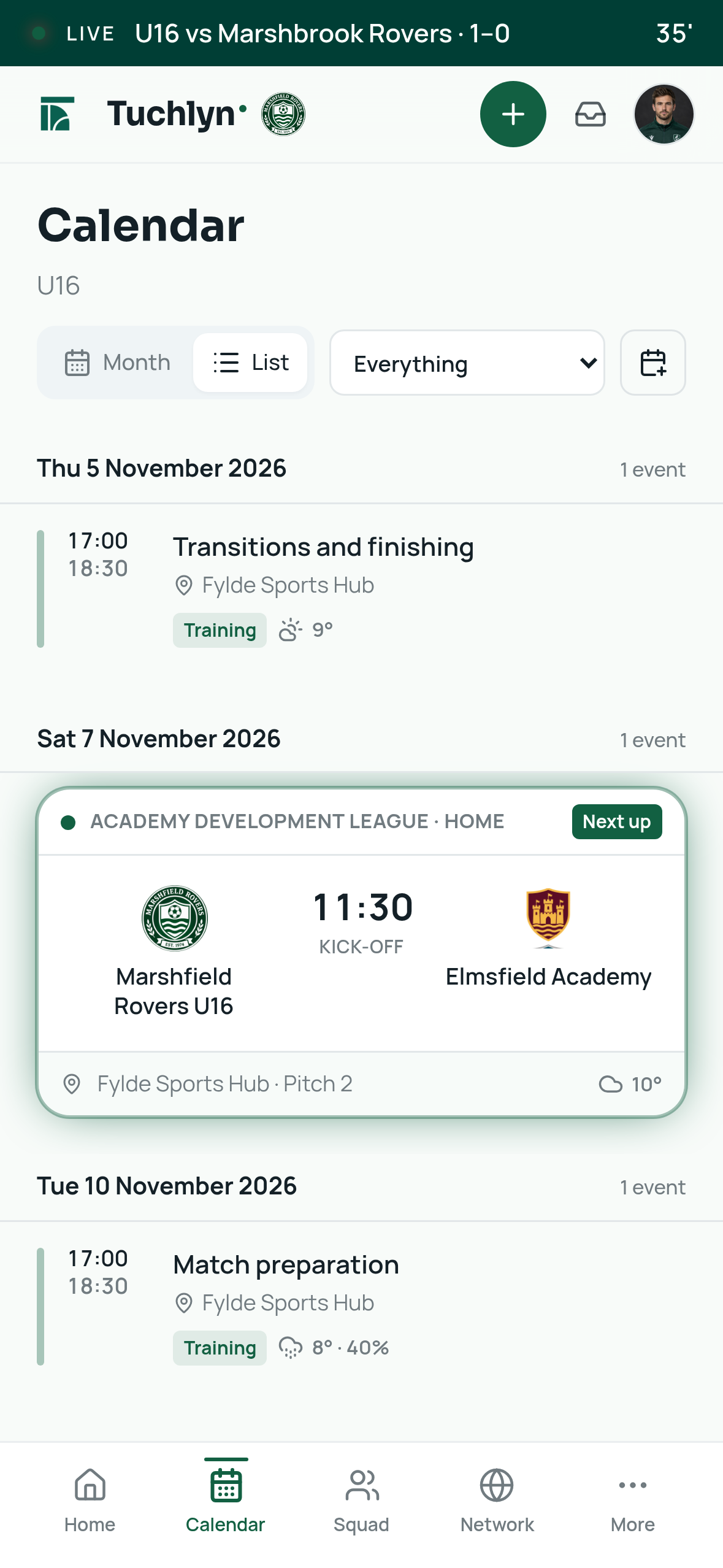
Create training, fixtures and venues once. Coaches, players and parents see the right times, locations and squad updates without searching through messages.
- Calendar for training, fixtures and friendlies
- Saved venues with directions and weather
- Squad messages and coach channels
Prepare the team
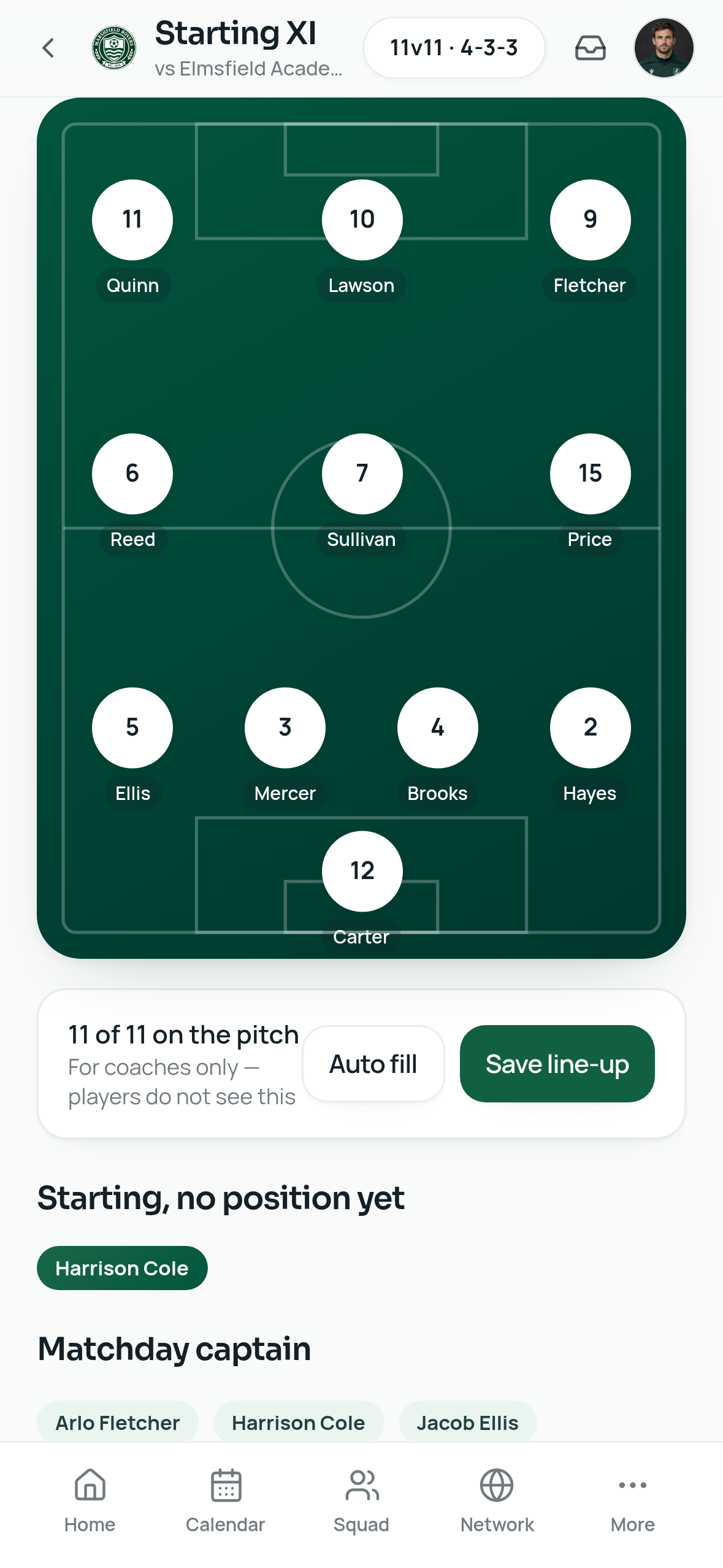
Availability becomes selection.
Families respond in a tap, coaches see who is in or out, then build the matchday squad and line-up from replies they can trust.
- Accepted, declined and still-to-reply counts
- Manual nudges for outstanding replies
- Squad limits, formation builder and published line-up
Run matchday
The live record starts on the touchline.
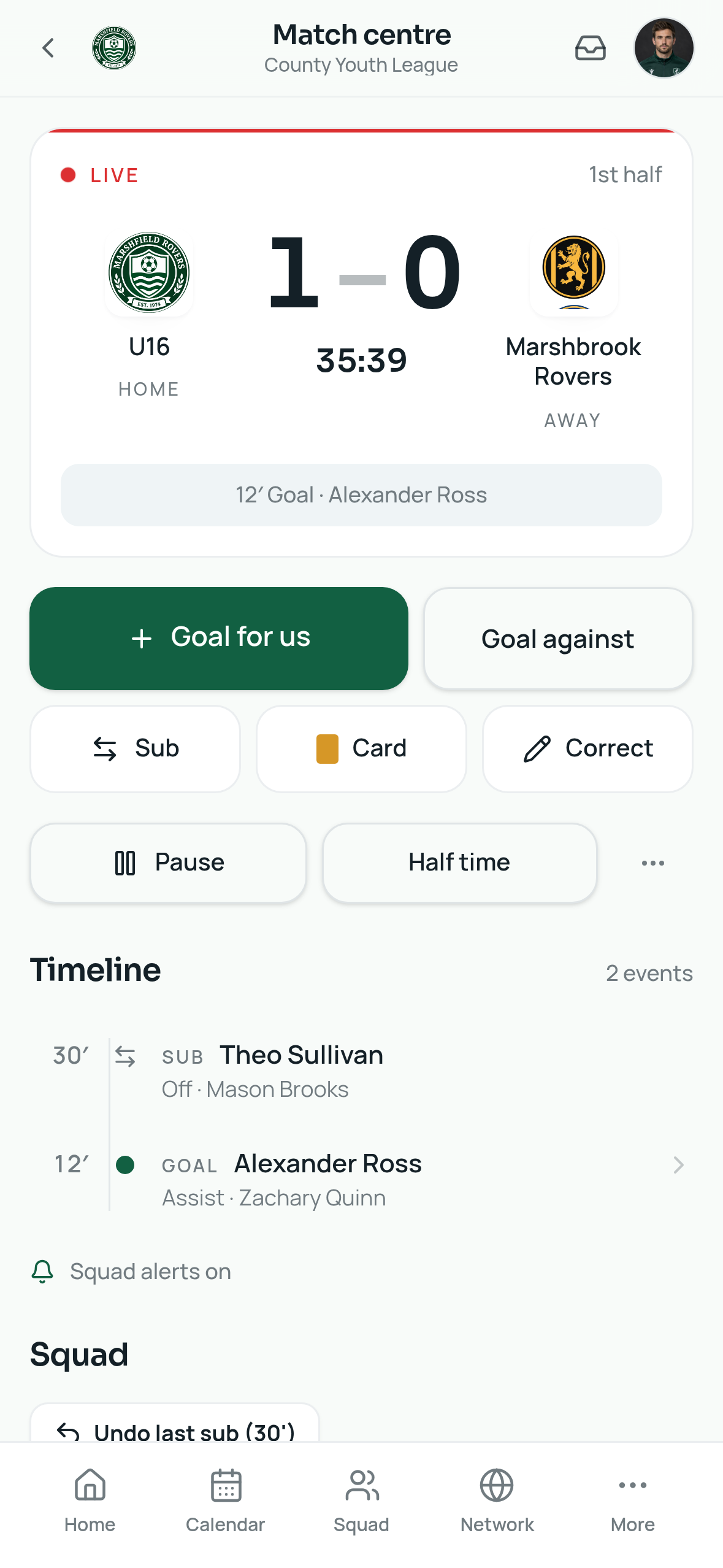
The match centre handles the clock, score, goals, assists, cards and substitutions. Minutes are captured while the game is still happening.
- Live clock, halves and full-time flow
- Goals, assists, cards and substitutions
- Report and grades connected to the live log
Develop and operate
The season builds itself over time.
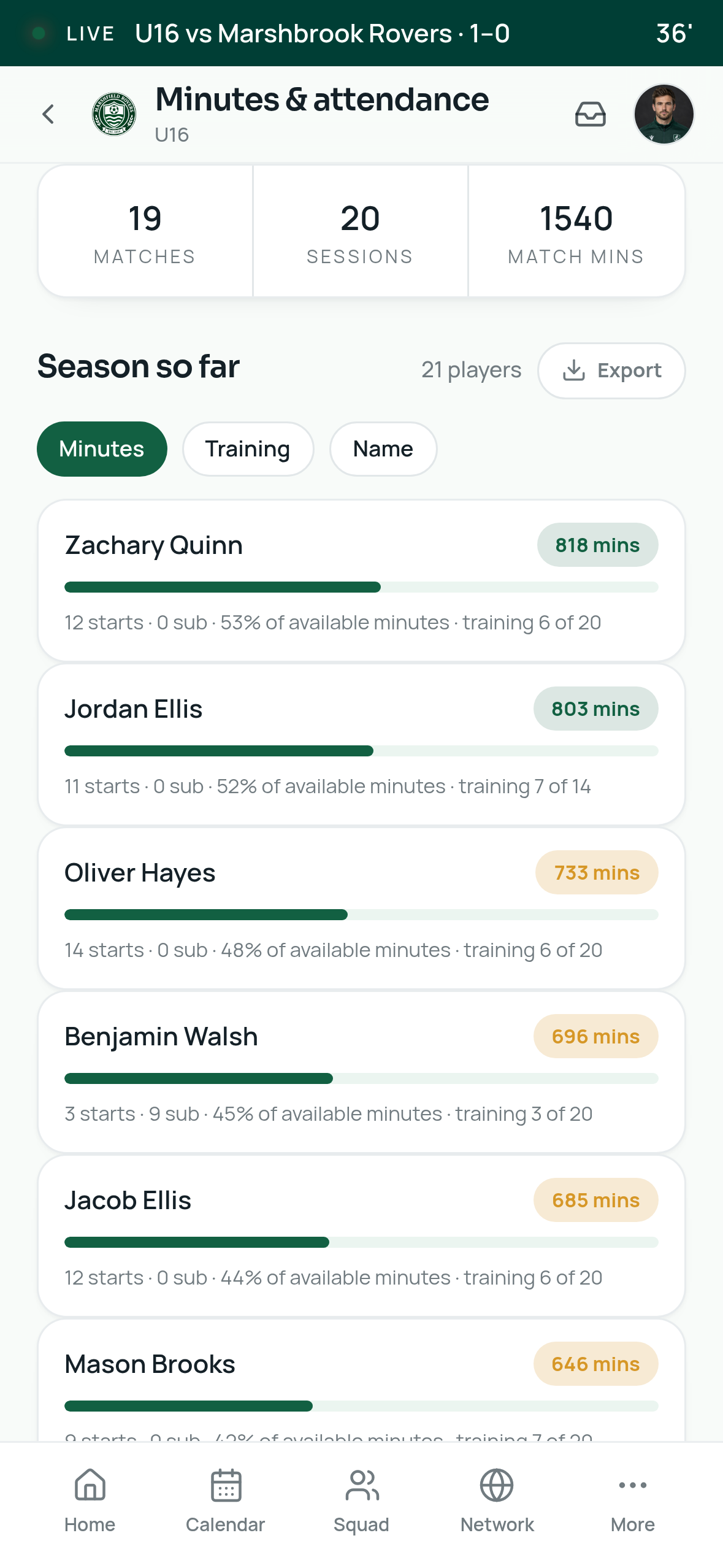
Reports, grades, minutes and attendance feed the player passport, while directors keep oversight of squads, welfare, staff, payments tracking and documents.
- Player passport, minutes and development trends
- Academy overview and staff permissions
- Confidential welfare reporting and fee tracking
Early access
Want the workflow for your club?
Leave your email and we’ll contact you about early access before Tuchlyn launches on iOS and Android.